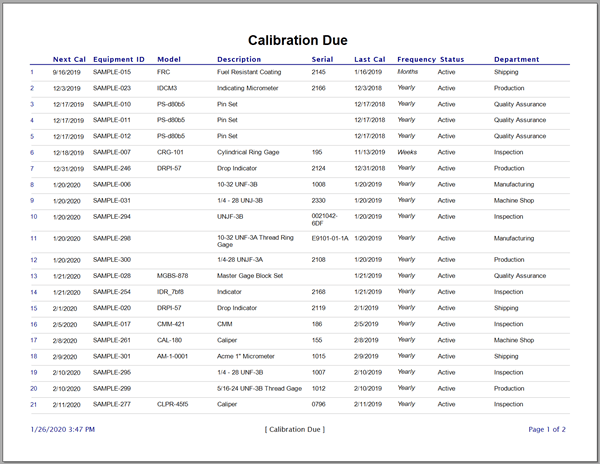
Calibration Due Report
Quick Start Video
Watch the video below to learn how to print the default Calibration Due Report or to change which report is set as default within Calibration Control (our Calibration Management Software).
Quick Access to the Due Cal Report
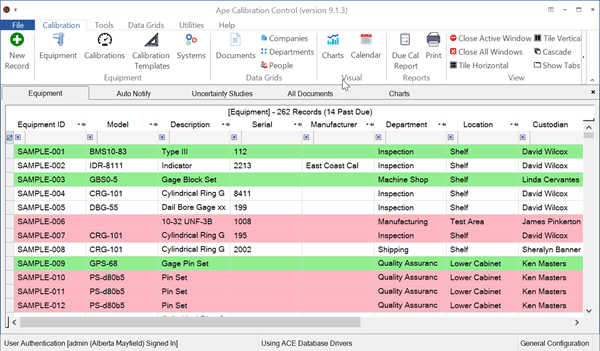
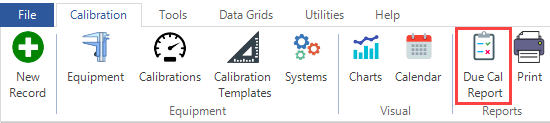
Print the Calibration Due Report by selecting the Due Cal Report option from the Calibration tab or from the context menu within the Equipment grid under Print options.
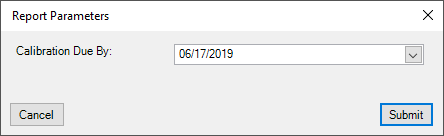
The following Due By dialog will appear.
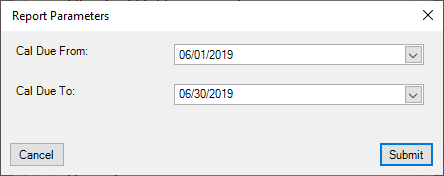
If a date range is required, click on the [PRINT] button in the Calibration tab of the ribbon menu to find the Calibration Due Date Range report. The Date Range report (file name CalibrationDueDateRange.rpx) can also be set as the default report. The range dates are set by default to the first date of the current month and the last date of the current month. See the Program Options help topic instructions on how to change the default report.
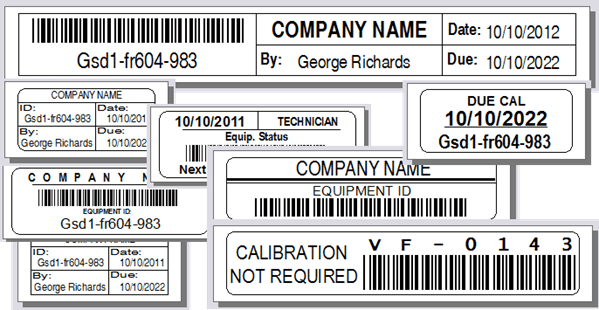
Note: The default versions of these Due Cal reports do not include equipment with non-calibration Frequency codes, like 'Cal Not Required'. Also, equipment with Status Codes marked as Hidden will not be displayed.
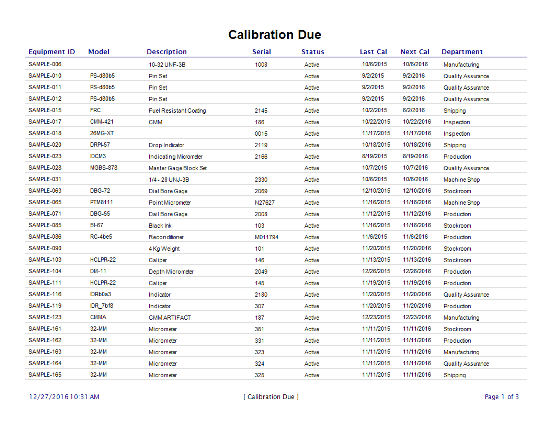
Due Cal: Print Preview
Here is a sample Calibration Due Report ready to print.