Measurements in Metric or Imperial
Display Metric or Imperial as Default Measurement Units
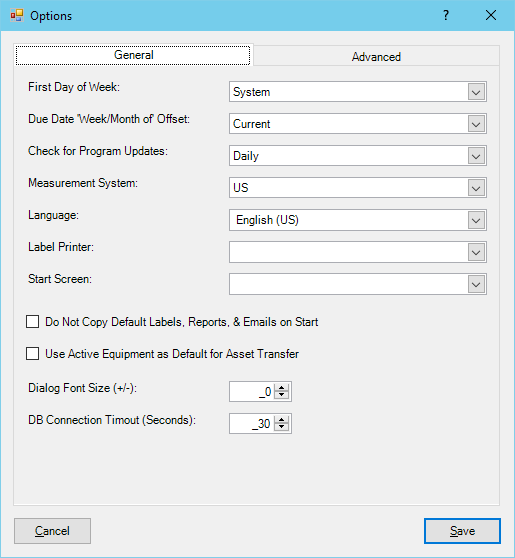
Use the Options dialog to change the default measurement system to either Metric or Imperial (US) units in Calibration Control (our Calibration Management Software).
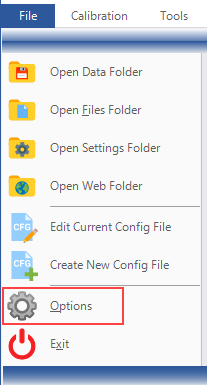
Go to File > Options and in the General tab of the Program Options dialog, select either 'Metric' or 'US' as the default measurement system from the drop down menu.