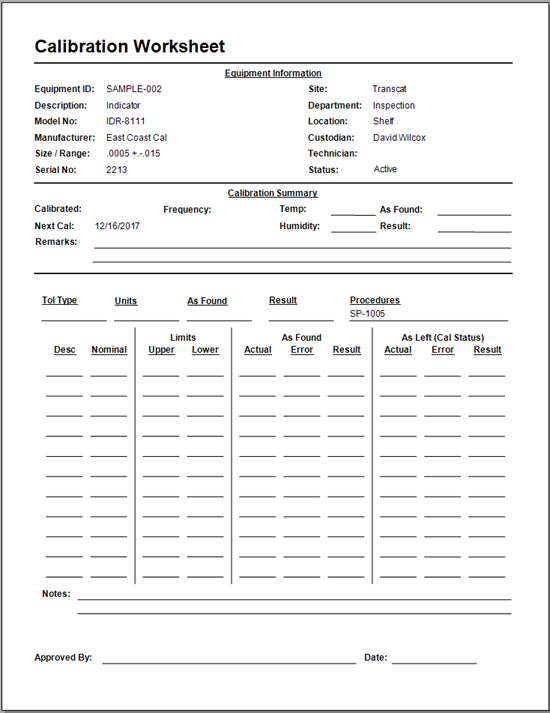
Import Data from Version 4
This help topic is for versions of Calibration Control that are 8.9.17 or prior.
Make the V4 Import Button Visible
Navigate to the Options dialog in Calibration Control (our Calibration Management Software) either from the File menu or Utilities tab of the ribbon menu. Within the Admin tab, click on the [Feature Visibility] button which opens the 'Hide Checked Features' dialog. Click on the App Utilities tab and uncheck the 'Import Group' box. The 'Version 4 Data' should be unchecked automatically.
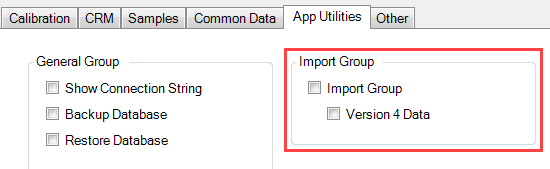
Restart Calibration Control to make the 'Version 4 Import' button visible.
Import Data
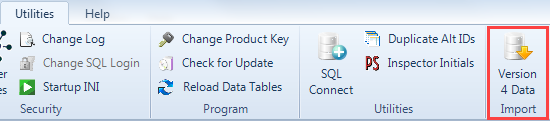
Begin the import process by selecting 'Version 4 Data' from the Utilities tab of the ribbon menu.
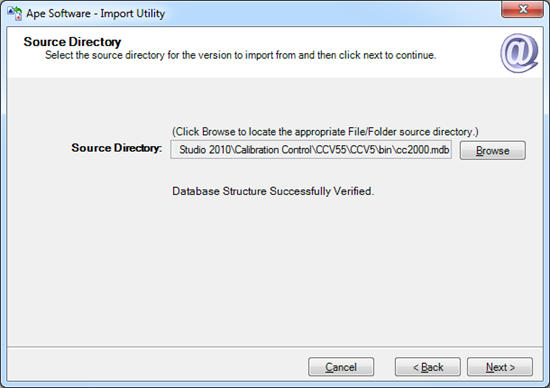
Source Directory
Click the [Browse] button and navigate to the Access file you need to import and then click [Next].
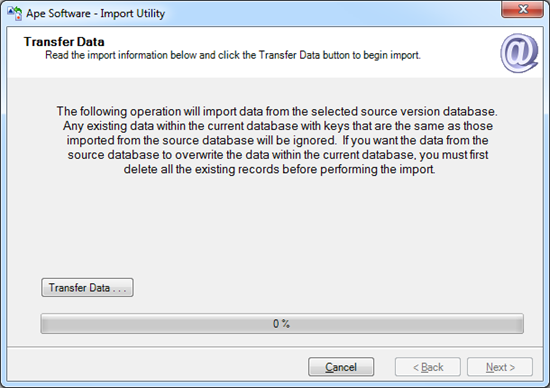
Transfer Data
Note that if you try to import records from the source database to the current database and the record already exists, the import process will ignore those records. For instance, if one of the equipment records has an ID of '121' and your current database has a MasterID of '121', then record 121 will be ignored. Therefore, correct ID discrepancies before transferring data.