Filtering Records Using the Filter Row
How to Use the Filter Row in the Data Grids
The Filter Row is a helpful tool for searching and reorganizing your data in Calibration Control (our Calibration Management Software).
Display Filter Row
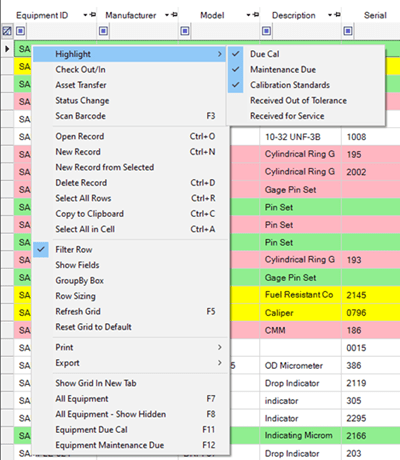
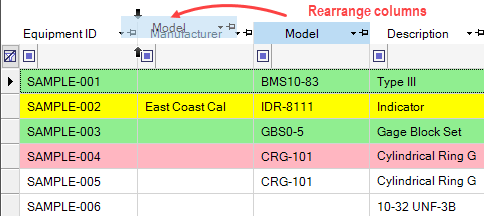
By default, the filter row is already displayed at the top of the grid; it looks a bit like a blank row. If the filter row is not displaying, right-click the grid and select Filter row from the context menu.
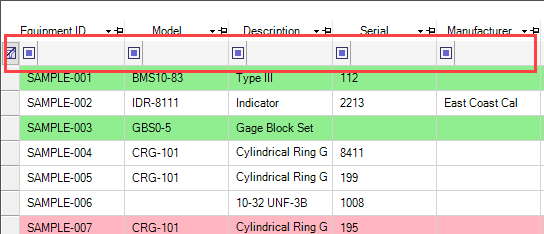
- When the Filter Row is enabled from the context menu, a blank row will appear at the top of each column.
- Filters can be added to multiple columns at the same time.
Create New Filter
Choose which column to add a filter to and either use the drop-down menu to search for the filter, or type it into the blank field. Results will immediately appear as you type.
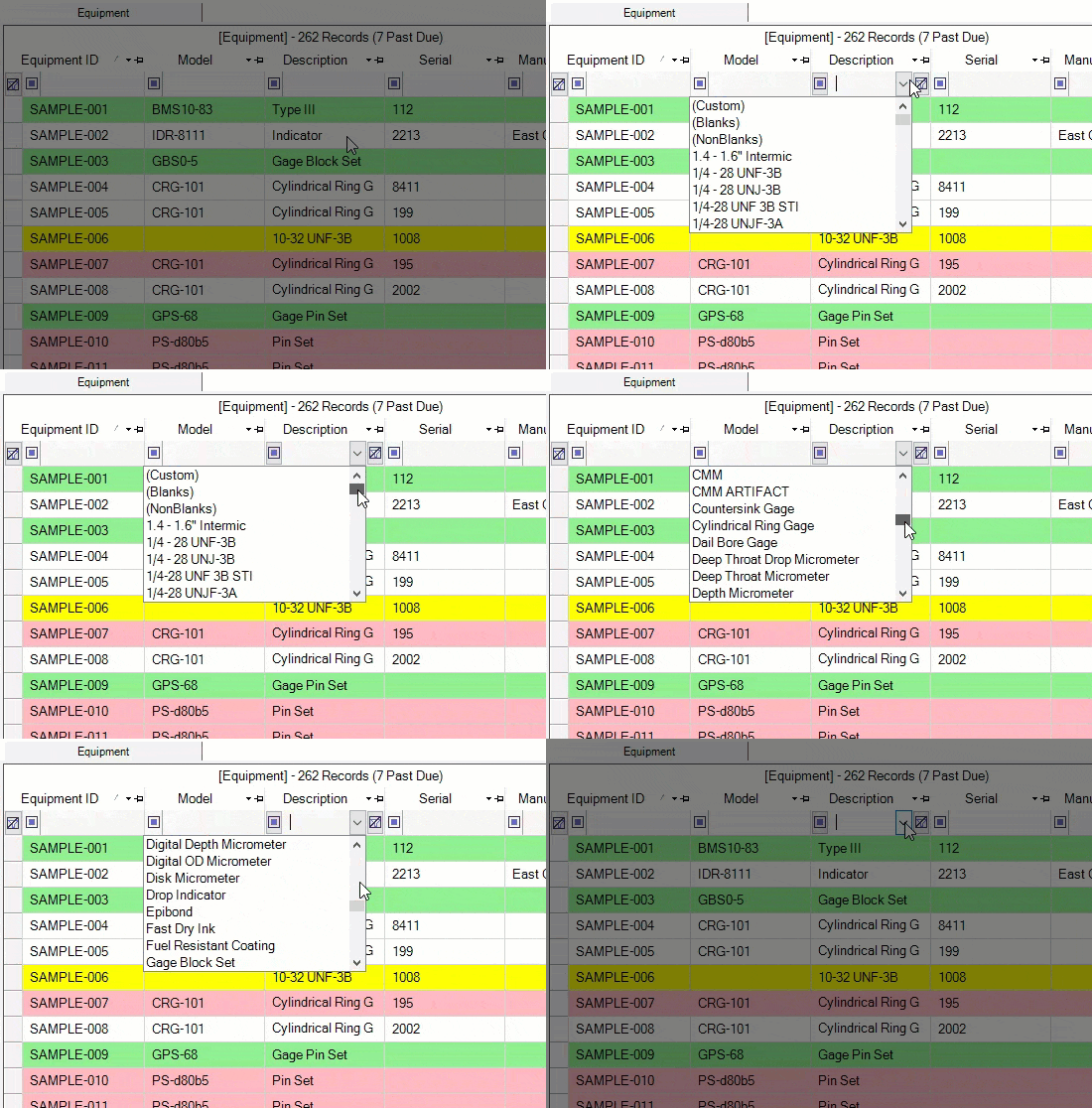
Clear Filter(s)
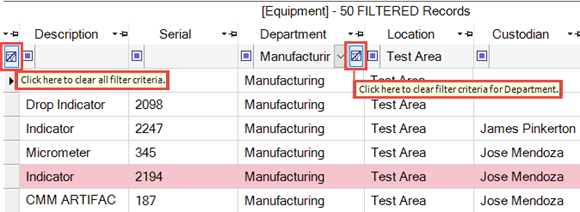
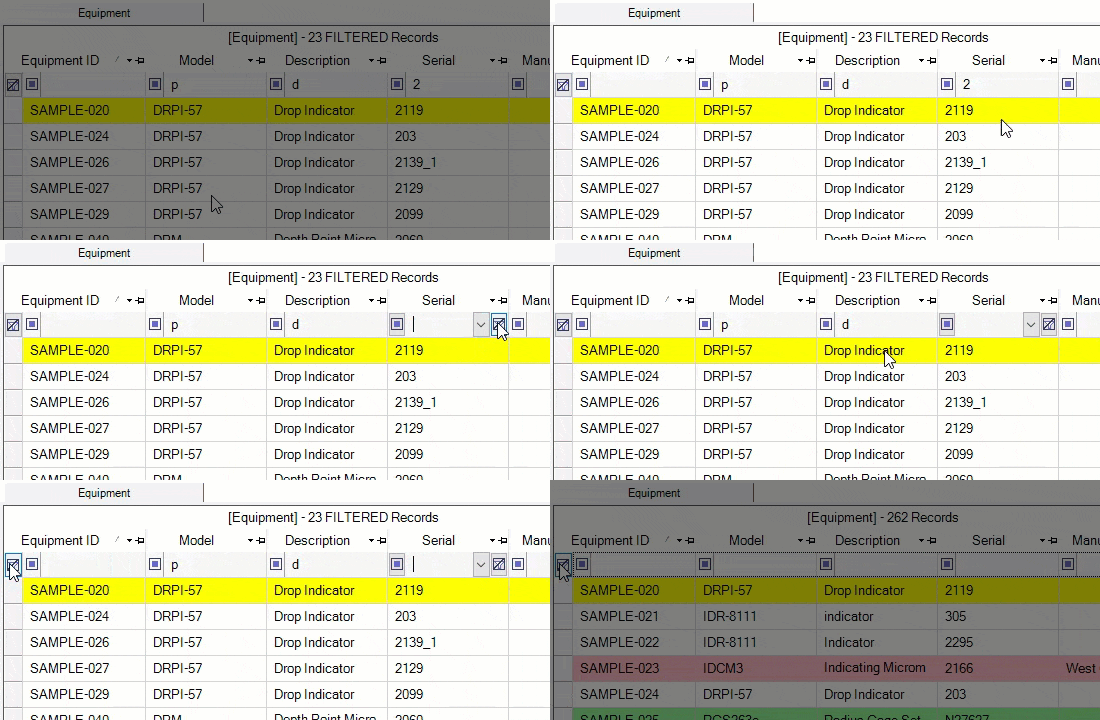
Single Filter: Clear a filter within a single column by placing your cursor within that column's filter field (in the filter row) and clicking on the [clear filter] button on the right side of the field. The [clear filter] button is an icon of a filter with a line through it.
All Filters: Clear all filters by clicking the [clear filter] button on the far left side of the filter row.
Filter Methods
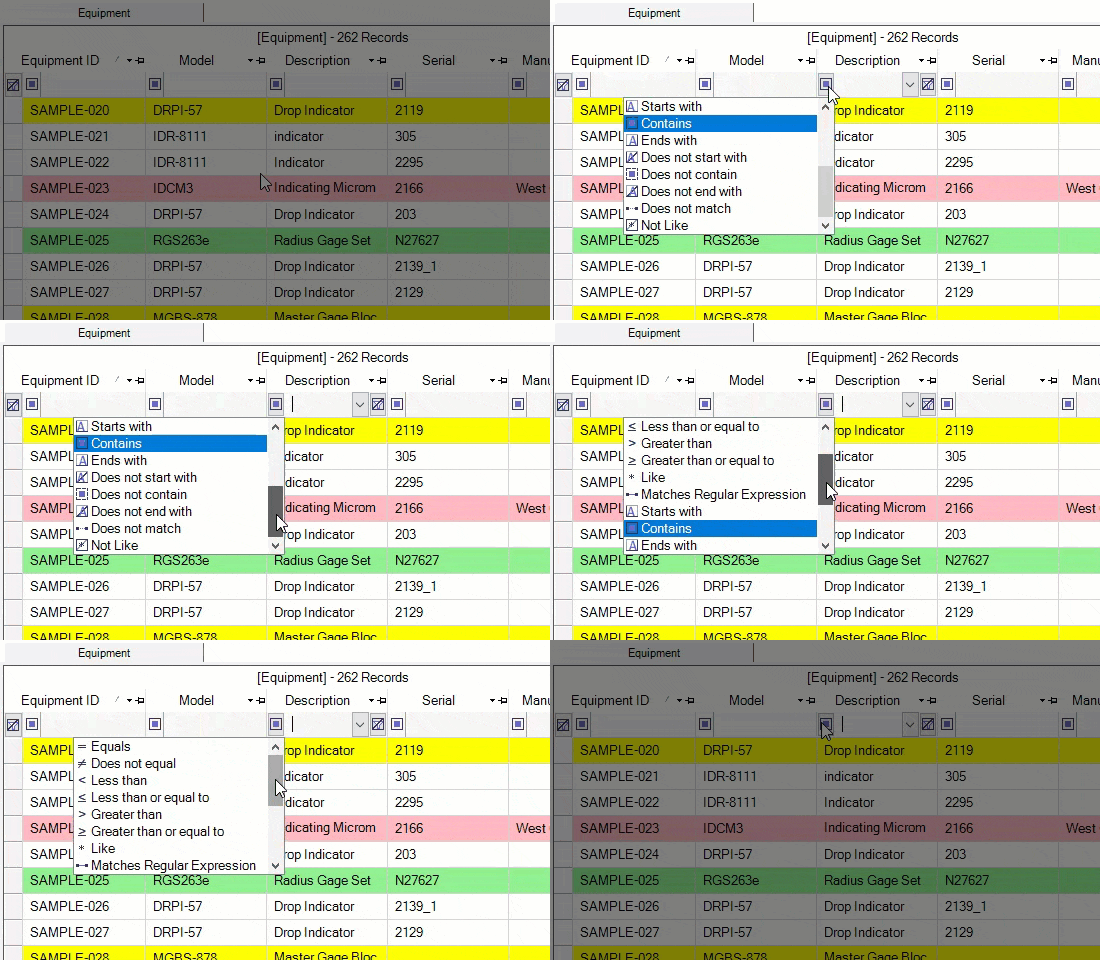
Additional filter operators (i.e., filter method) are available by clicking on the blue square to the left of each filter field.
Custom Filters
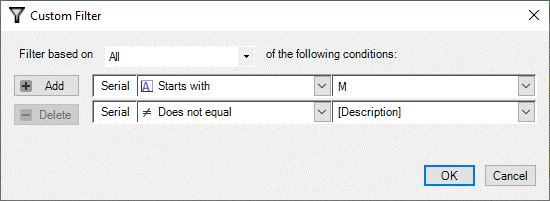
Create combination filters within single columns by clicking the drop-down button (downward arrow) within the filter field of that column and selecting (Custom).